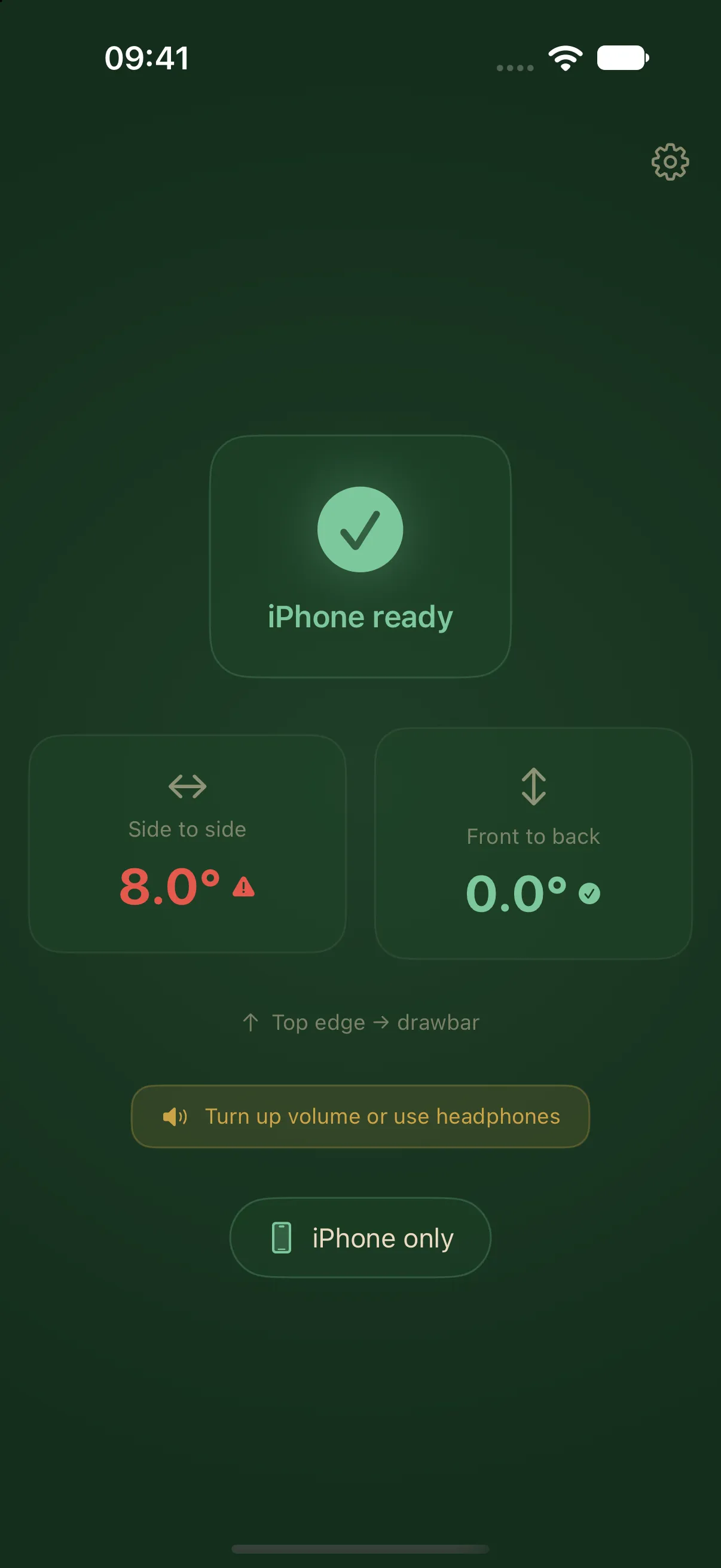
Calibrate only for a fixed mount
LevelMate normally needs no calibration. Put the iPhone screen down on a firm surface inside the caravan, with its top edge towards the drawbar. Calibration is intended for a fixed mount whose position you want to use as a lasting reference.
Set the zero point only while the caravan is independently known to be level. Use a suitable reference, such as a physical spirit level at an appropriate measuring point. The calibration button cannot establish that an unknown position is level. It saves the current tilt as the new zero point.
Prepare the caravan and iPhone
Check the caravan’s side-to-side and front-to-rear position first. Keep the iPhone in its fixed mount during calibration. Its screen must face down and its top edge must point towards the drawbar. The mount must stay in place without flexing during measurement.
If you put the iPhone on a different surface each time you set up, use normal measurement without a saved zero point. The iPhone placement guide helps you choose a suitable support. Setting zero on a pitch with an unknown slope cannot reliably correct a sloping shelf or soft surface.
Save the current position as zero
Save the reference on the iPhone that measures inside the caravan.
- Level the caravan using an independent reference.
- Open LevelMate and check the iPhone’s measuring position in the fixed mount.
- Open settings.
- Under Calibration, tap Set current position as zero.
- Return to measurement and leave the iPhone in the same mount and orientation.
LevelMate saves an offset for both tilt axes. The reference survives an app restart. Later measurements account for that saved zero point, so you do not need to set it again whenever you open the app.
Reset the calibration
If you move the mount, change the phone’s orientation, or return to placing it loose on a surface, remove the old reference. On the measuring iPhone, open settings and tap Reset calibration under Calibration. This option appears when a calibration offset is active.
Check the placement again afterwards. If you continue to use a fixed mount, save a new reference only when the caravan is independently known to be level. Restarting the app alone does not clear the saved calibration.
Continue with the appropriate guidance
Calibration changes the zero point. The fixed status thresholds remain the same. An absolute angle below 0.3° counts as level, and below 1.0° counts as almost level. The display rounds angles to 0.5° steps. That rounding does not specify sensor accuracy or guaranteed measurement accuracy.
Continue with the caravan levelling guide. To receive guidance outside, set up an Apple Watch or a second iPhone or iPad. Calibration still takes place on the measuring iPhone.