Both axes in view
Level side to side, then adjust the front. See the angle, direction and completion of the measurement.
The spirit level app for caravans & travel trailers
LevelMate is an iPhone spirit level app for caravans and travel trailers. It measures side-to-side and front-to-back tilt with the sensors in your iPhone and gives spoken guidance. No separate sensor or account is needed.
Measurement & speech free. Add Pro for guidance outside.
iOS 26.2+, iPadOS 26.2+, watchOS 26.2+ · App & speech in German and English.
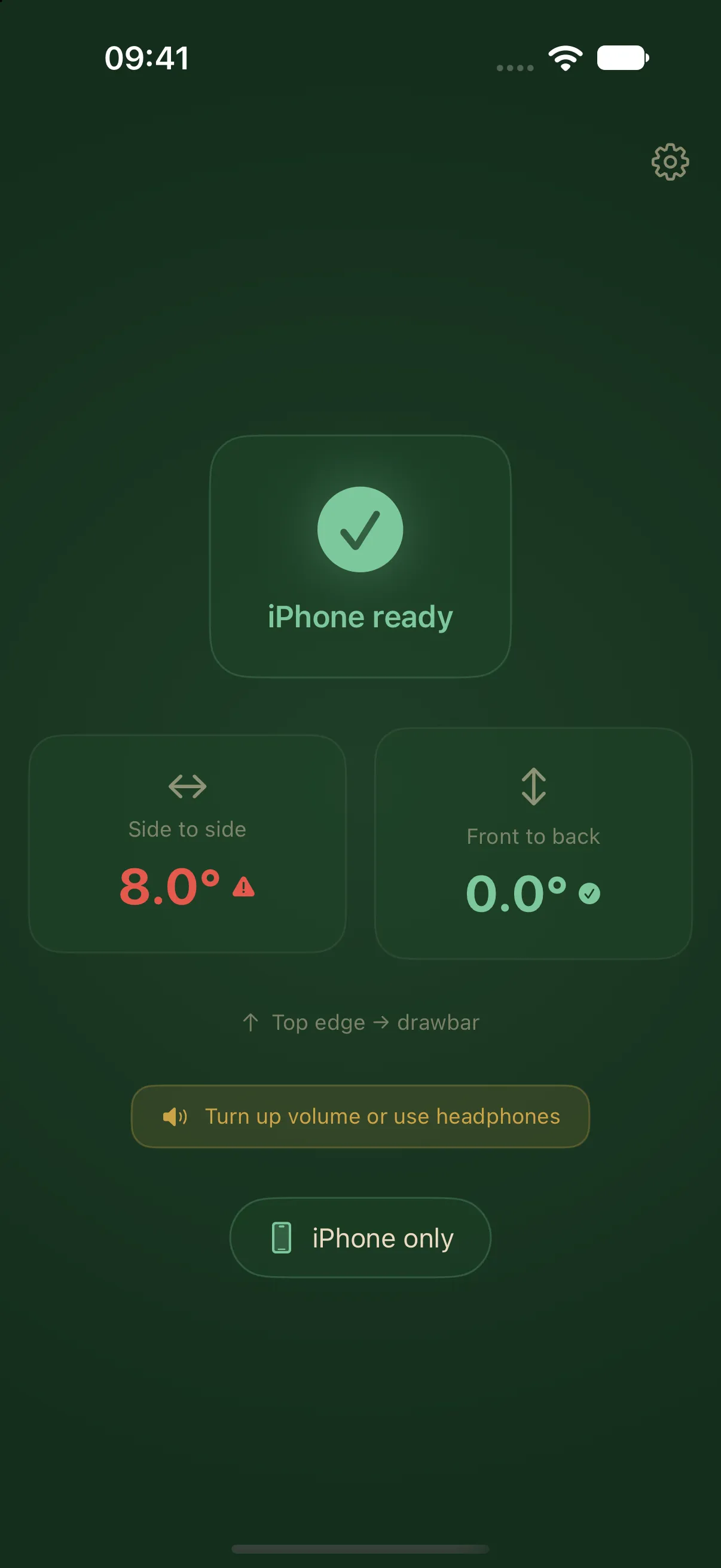
The actual free iPhone view. Example readings.
LevelMate 3.0
Level side to side, then adjust the front. See the angle, direction and completion of the measurement.
Your iPhone speaks the instructions. With Pro, Apple Watch adds haptic feedback on your wrist. A second iPhone or iPad can also speak the guidance.
For a fixed mount, save a known level position as your zero point. You can reset that reference later.
Measurement and direct device communication work locally. Downloads, purchases and restoration need internet access.
The app interface and spoken guidance support German and English, following your device language settings.
One iPhone measures and speaks for free. A one-time Pro purchase adds Apple Watch, second-iPhone and iPad receiver modes.
Explore the free iPhone spirit level · Understand calibration and your zero point
Less back and forth
Clear measurements and instructions you can follow. Start with the iPhone you already have.
Place the iPhone safely in your caravan, screen down and top edge towards the drawbar.
Read the tilt or listen to the instructions. Side to side, then front to back, using the right equipment for your caravan.
LevelMate confirms when both axes are level. Time to make yourself at home.
Free & Pro
Choose the setup that suits you. Start free with measurement and speech on iPhone. Pro puts the guidance on another device.
Existing paid customers keep Pro. No subscription. Find the current Pro price in the app.
| Feature | Free | Pro |
|---|---|---|
| Both axes measured on iPhone | Yes | Yes |
| Spoken guidance & haptics on iPhone | Yes | Yes |
| Save & reset a zero point | Yes | Yes |
| Apple Watch with speech & haptics | Not included | Yes |
| Second iPhone with spoken guidance | Not included | Yes |
| iPad with spoken guidance | Not included | Yes |
| Payment | Free | One-time |
Three ways with Pro
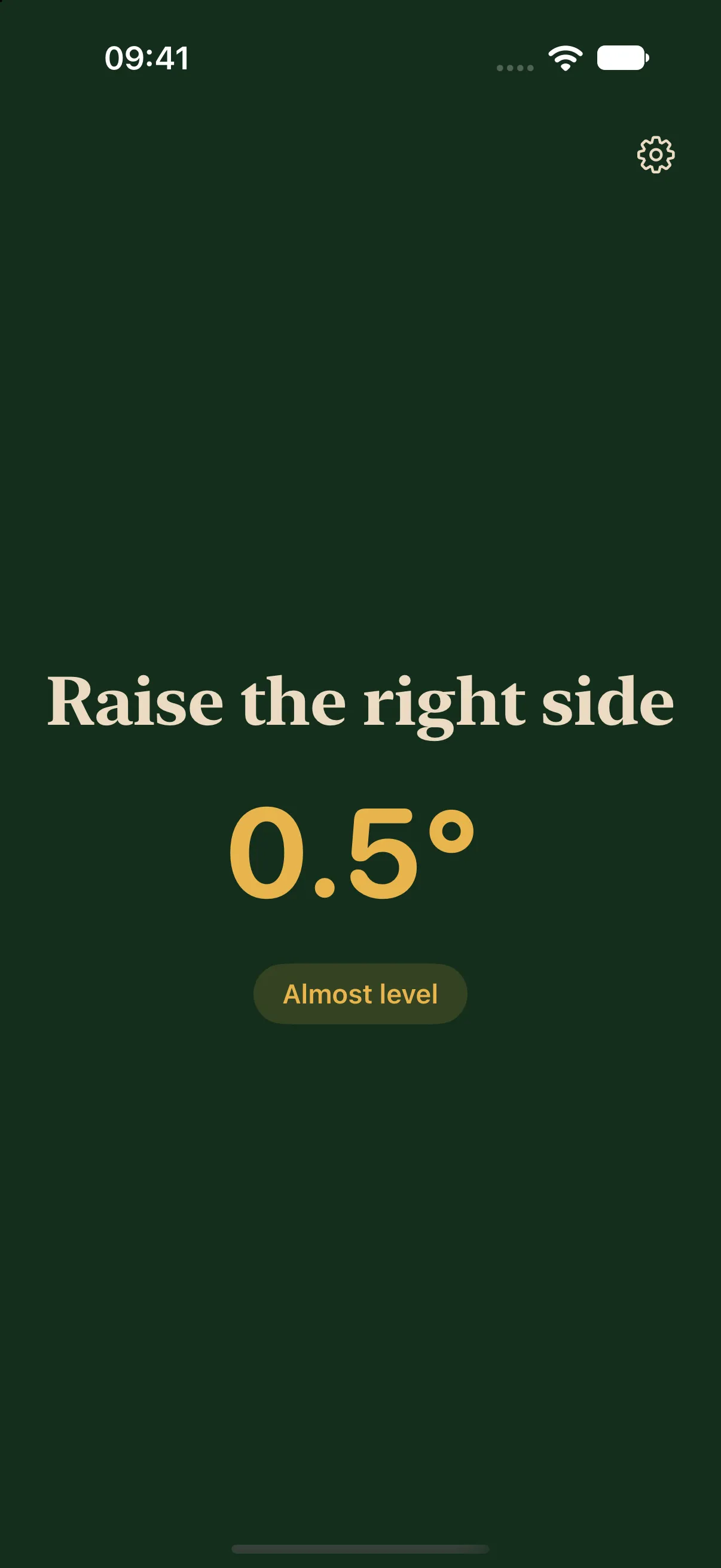
The iPhone measures inside. Your Watch guides you outside.
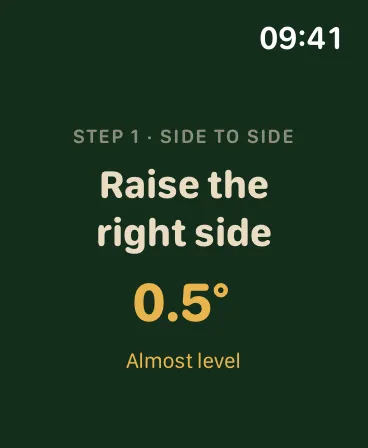
Leave one iPhone inside and carry the other with you.
A bigger display outside. Your iPhone still does the measuring.
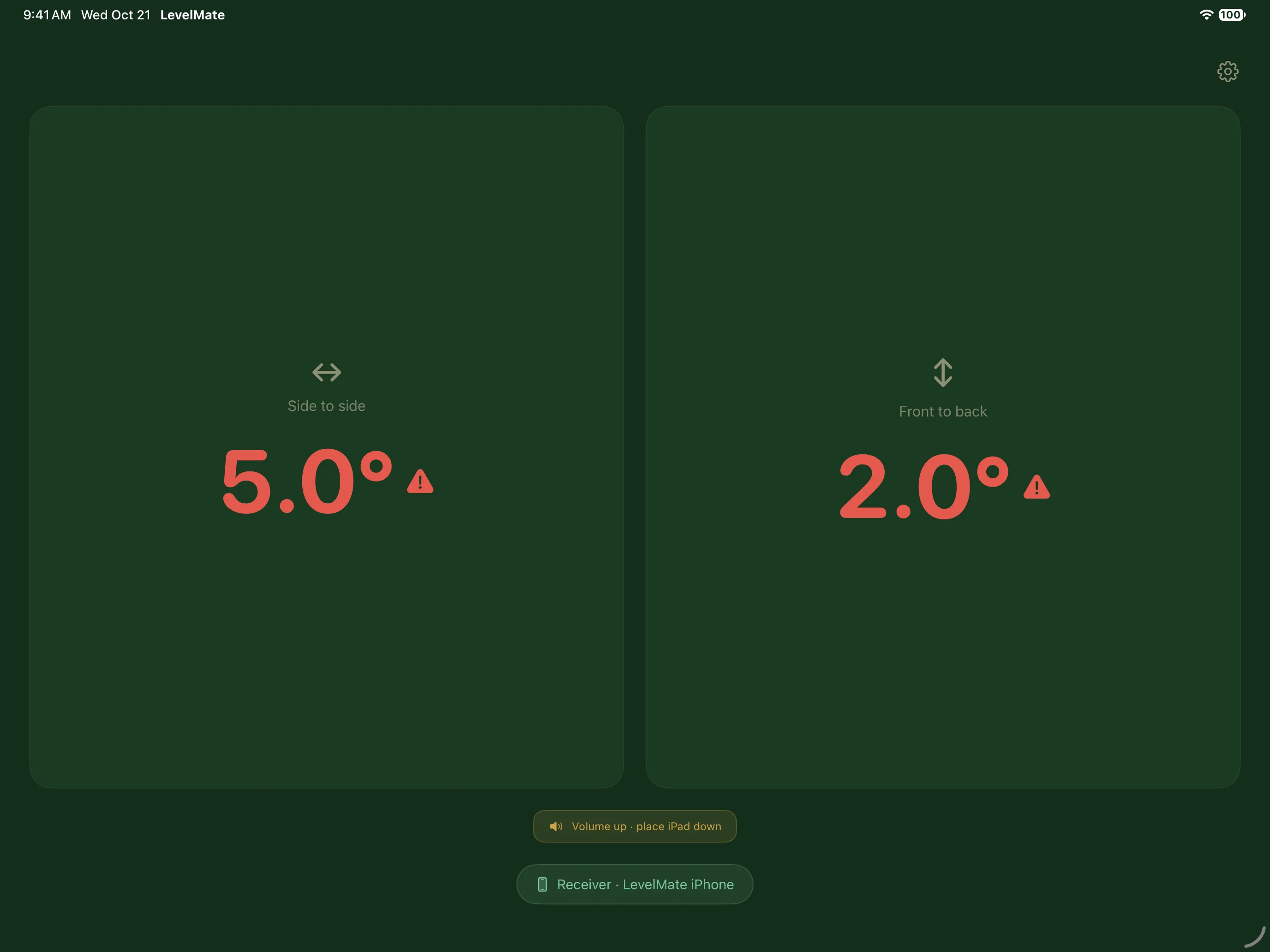
In LevelMate 3.0, measurement of both axes and spoken guidance on a single iPhone are free. Apple Watch, second-iPhone and iPad receiver modes require Pro. Receivers also speak the instructions. An iPad does not measure by itself.
No. LevelMate by Remo Adams-Schönfeld uses the sensors built into your iPhone. No account or separate sensor is needed. LevelMate Pro is this app’s in-app unlock. This independent app is separate from the LevelMatePRO hardware system and does not connect to its sensors.
You need iOS 26.2+, iPadOS 26.2+, watchOS 26.2+. The iPhone measures. A paired Apple Watch, second iPhone or iPad can receive guidance with Pro. Install and keep LevelMate open on both devices you use.
Yes. Measurement and direct device communication need neither internet access nor a campsite router. Keep Wi-Fi and Bluetooth enabled for the link between two devices. Downloads, purchases, restoration and enabled usage analytics may use the internet.
Built by Remo
I’m Remo, the developer behind LevelMate. Explore the app and straightforward guides to measurements, devices and setup.
Explore the guides →